View ▸ Theme lists the palettes. Pick one and every surface takes it at once: the text, the gutter and minimap, the grid, the tab strip, the toolbar, the sidebar, the inspector, the status bar and the panels. View ▸ Appearance of 1.x is this menu; a setting of System, Dark or Light from before maps to the same look.
The set
- Dark and Light, the two looks Caxton shipped with: a slate canvas with the flame accent, and a warm paper canvas.
- Solarized Dark and Solarized Light, on their canonical canvases with the Solarized greens, cyans and magentas.
- One Dark, the Atom family's palette.
- Gruvbox Dark, warm and low-contrast, with the orange accent.
- High Contrast Dark and High Contrast Light: black on white or white on black, wider separators, and no glass.
Every palette holds a contrast floor: text on the canvas at 4.5:1 or better, syntax colors at 3:1, comments and muted text at 2.3:1, line numbers at 2:1, and the high-contrast pair at 7:1 and 4.5:1.
On the High Contrast pair the separators widen everywhere at once: the line between the gutter and the text and the one beside the minimap draw at 1.5 pt instead of 0.5 pt, and the panel separators (group borders, section rules and the dividers between panes) take the same width in the palette's separator color. Translucent surfaces turn opaque.
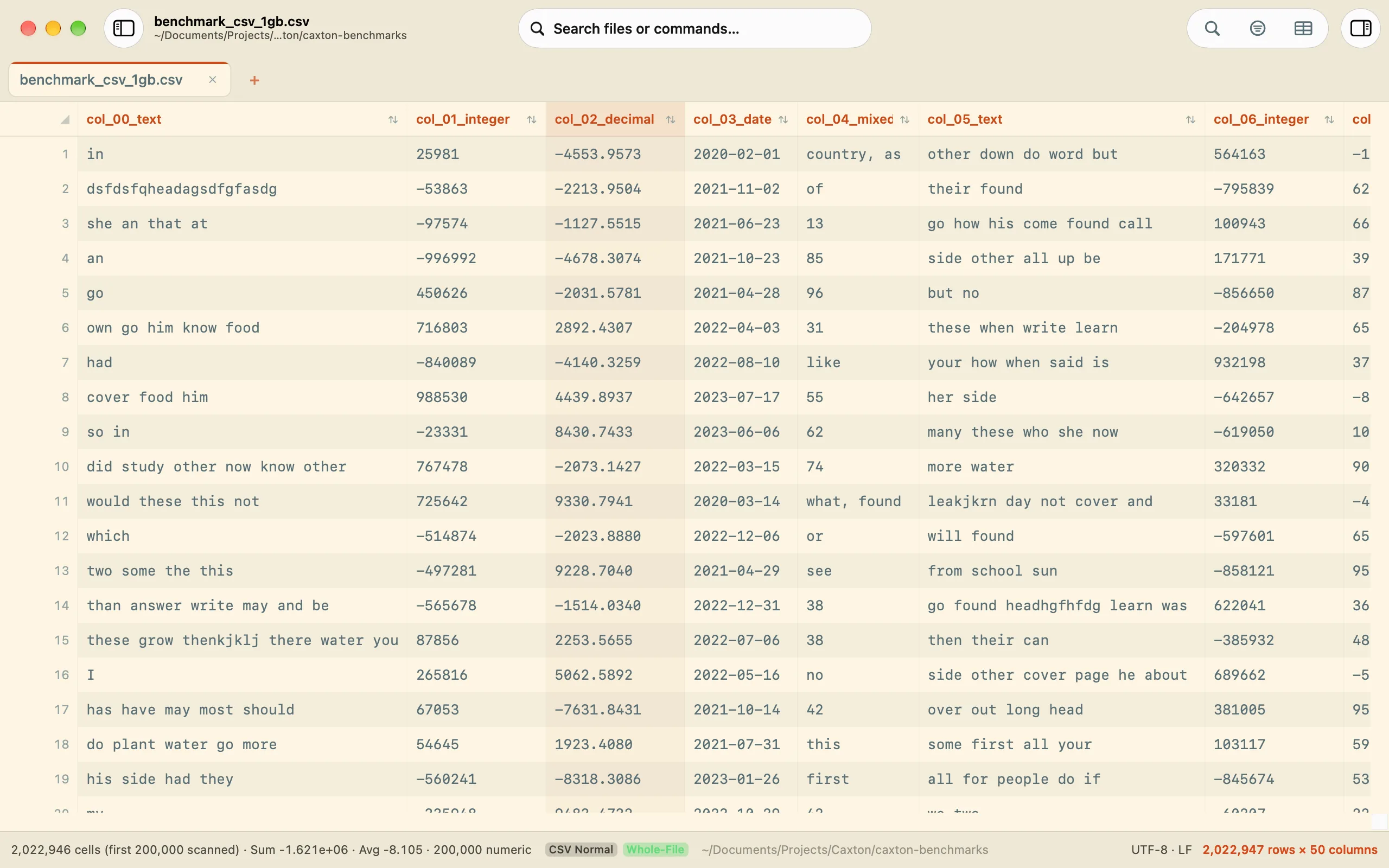
Solarized Light over a CSV grid.
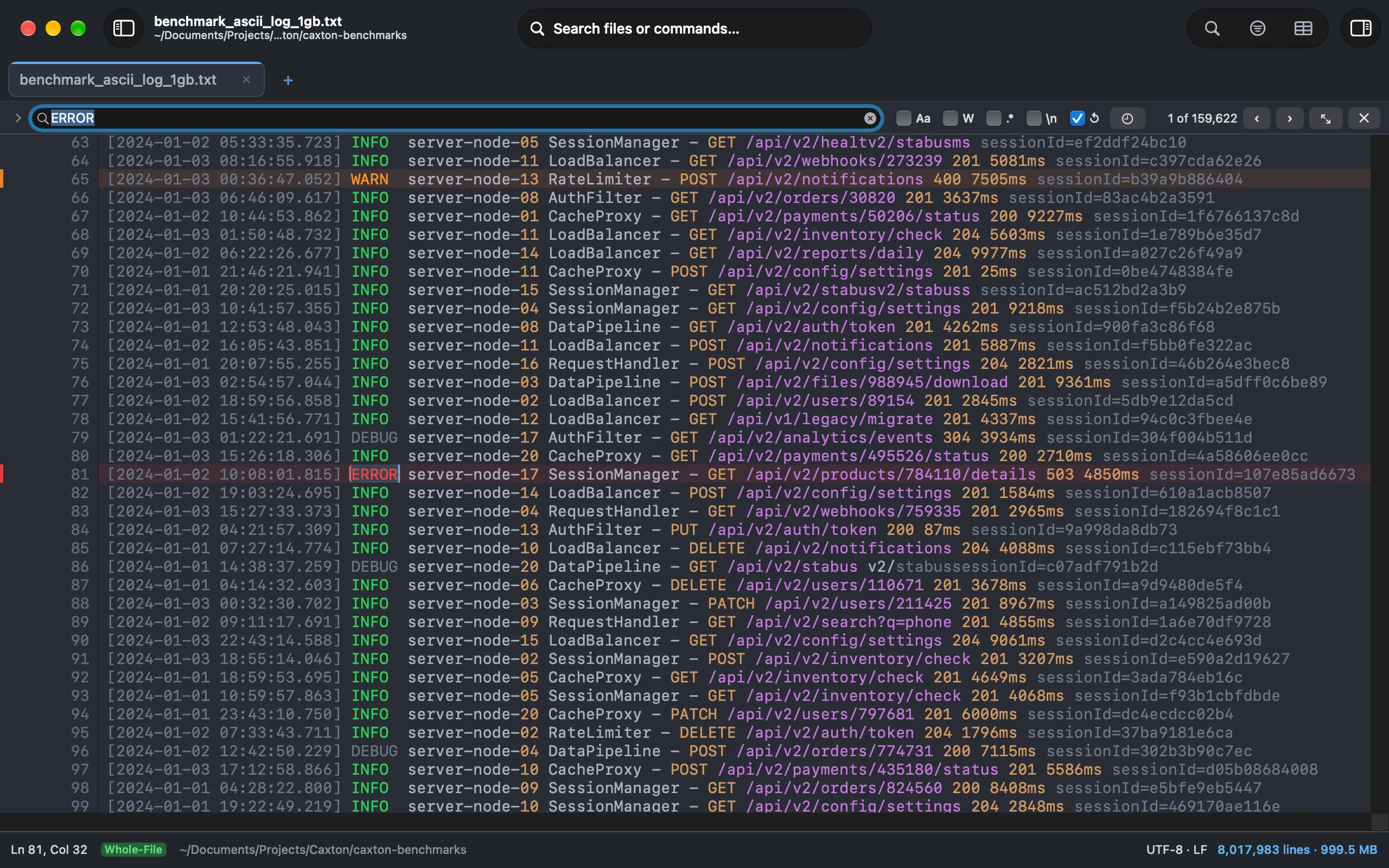
One Dark over a log with the find bar open.
Follow System Appearance
With Follow System Appearance checked, Caxton keeps one palette for dark and one for light and switches with macOS. Picking a palette while following sets it for its own appearance: choose Gruvbox Dark and it becomes your dark palette, choose Solarized Light and it becomes your light one. The menu checks the palette in use and marks the other appearance's palette with a dash. Uncheck it and the palette in use stays, pinned.
Import and export
Export Theme… writes the current palette as a JSON file (caxton-theme-gruvbox-dark.json for Gruvbox Dark), every color as a hex value, in the same envelope every Caxton preset uses. Import Theme… reads one on another Mac; the imported palette lists under the curated set, selects like any other, and Remove Imported Theme, shown while an imported palette is the one in use, takes it out again and falls back to Dark or Light by its appearance. A file that is not a theme, a preset of another kind, or a color that does not parse is refused with the reason and the field named. A theme written by a newer Caxton says so and asks you to update Caxton, instead of calling the file unreadable. A hand-edited theme may leave out the isDark and highContrast keys: it imports as a regular palette, dark or light by the brightness of its background color. Importing a curated palette's own export selects the curated palette; a copy you edited keeps its name and gets its own place.
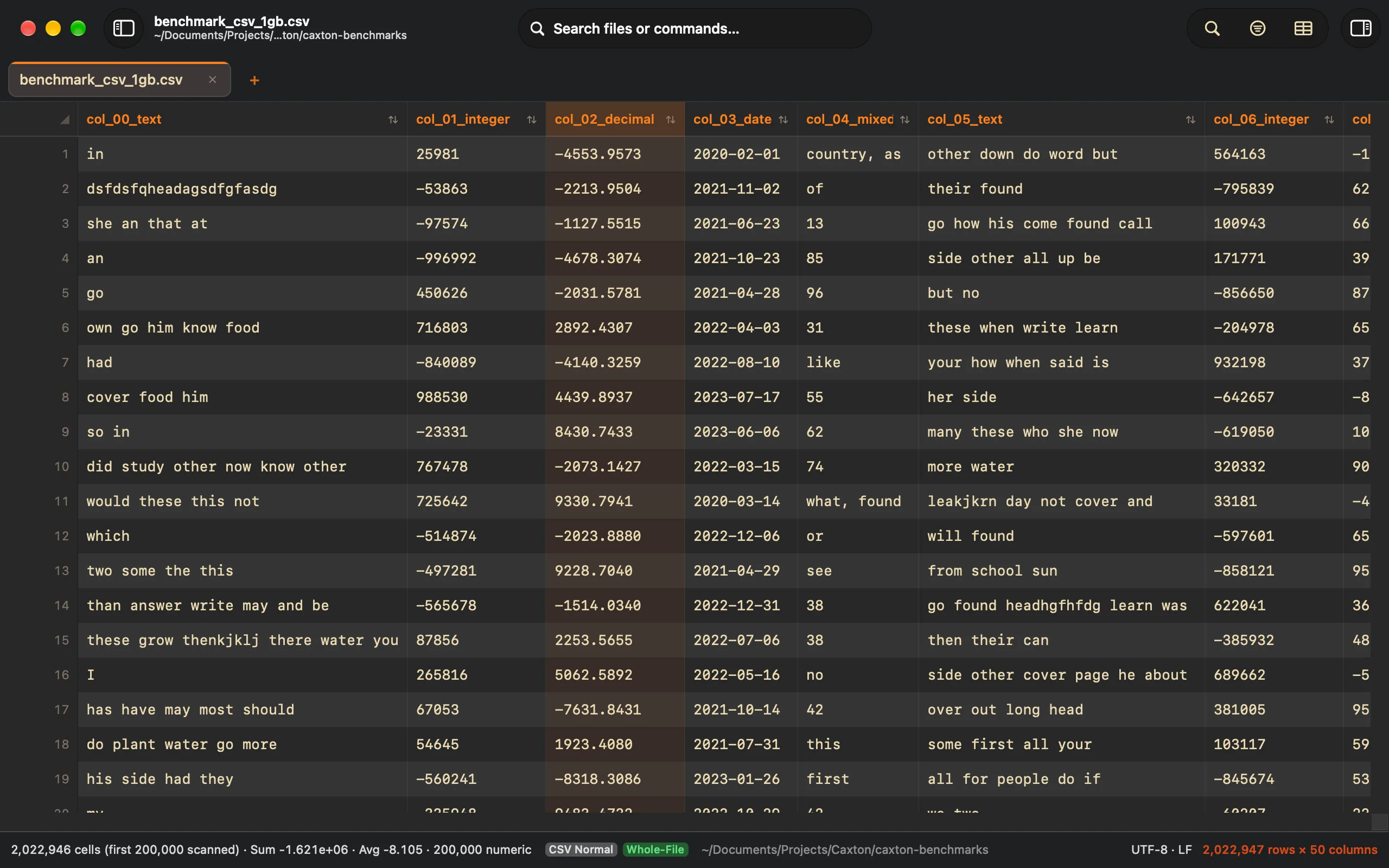
Gruvbox Dark.
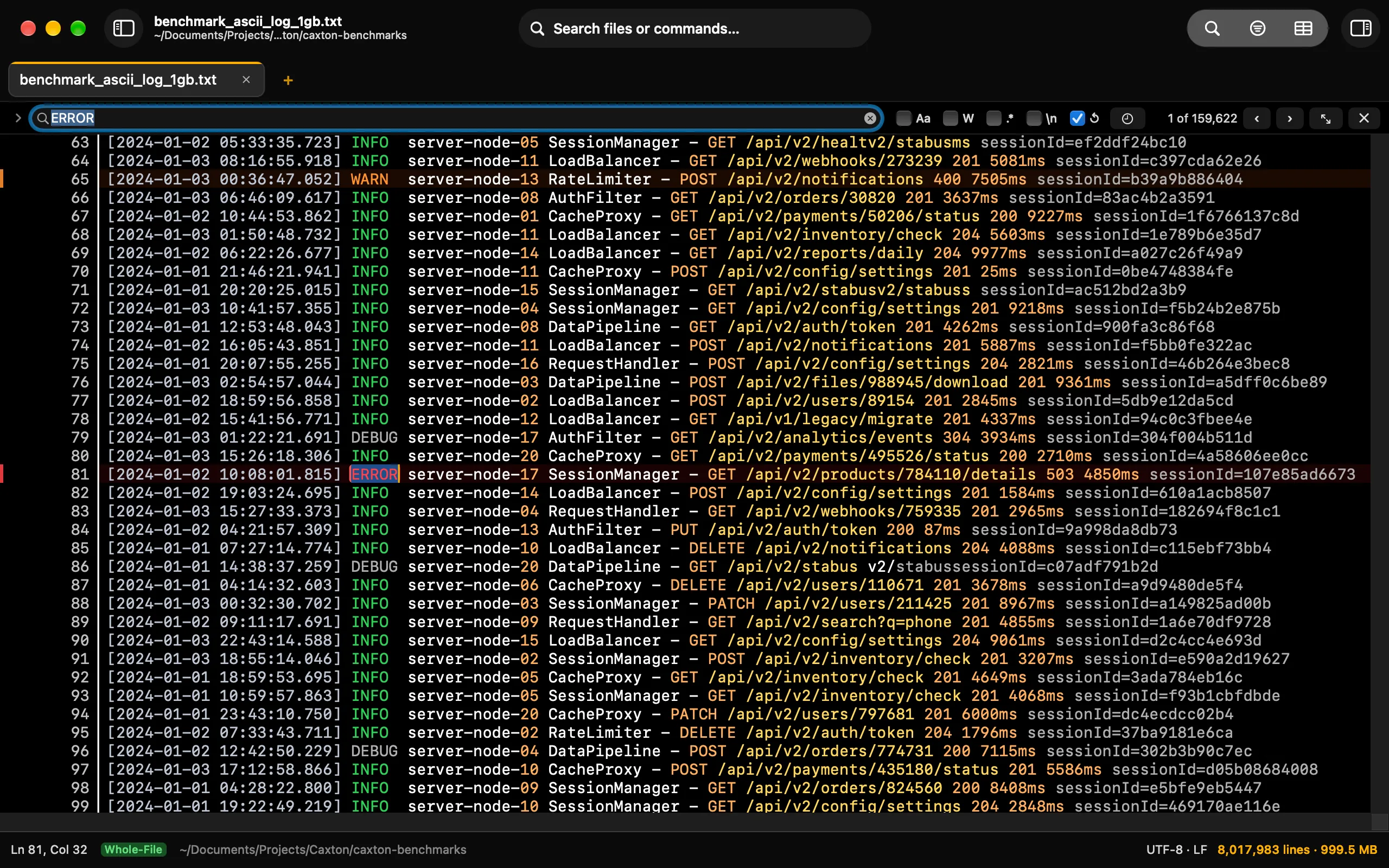
High Contrast Dark: white on black, wider separators, no translucency.