Compare
File ▸ Compare With… answers what changed between two files, side by side, and can carry a change from one side to the other.
Side by side
The comparison aligns the current document and any other file line by line and scrolls them as one: both panes live in a single view, so they cannot drift. Changed pairs are tinted amber, left-only lines red, and right-only lines green. ⌘↓ and ⌘↑ step through the differences, and clicking a change selects it.
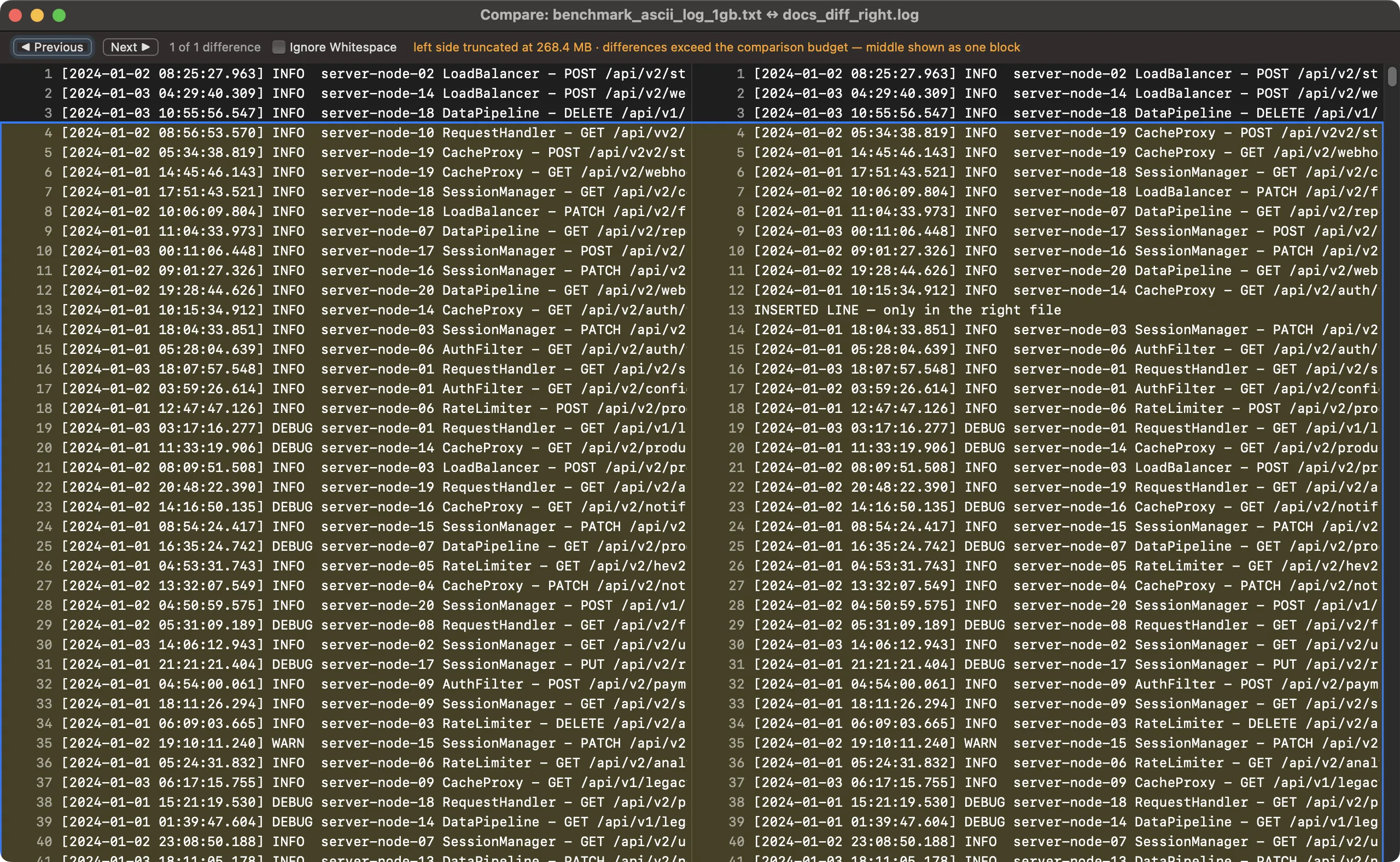
A log compared against a modified copy: aligned rows, tinted changes, the current difference outlined.
Copy changes across
Click a difference to select it, then copy it left or right. Copy Left replaces the selected change in the open document with the right side's lines, as one undo step in that document. Copy Right works when the other file is open in Caxton too.
- A file that is open in Caxton compares as its live text, unsaved edits included and labeled. Copies land in its buffer, never silently on disk.
- After a copy the panes recompute, and a comparison left open catches up when you come back to it after editing either document.
- A copy refused during a save says so, and a copy waits for the alignment it belongs to.
Ignore case and whitespace
Ignore Whitespace collapses indentation and spacing differences. Ignore Case folds A to Z; accented case stays significant. Line terminators are not compared, so a file and its CRLF-converted copy report no differences, and the window says so when the two sides use different line endings. CR-only files compare line by line.
Saved reports
Save Report… writes the differences as plain text: one @@ header per change with the left and right line numbers, minus and plus lines below it. A write failure is reported.
Limits, stated
- Copy is limited to 64 MB. Copy works only on fully captured sides and refuses a block over 64 MB.
- Each side is compared up to 256 MB, and the window says so when a file is larger. Beyond the edit-distance budget, distant changes collapse into a single block rather than an unbounded search.
- A target that changes on disk is flagged when you return to the comparison.
The external-change prompt also offers Compare, so you can see the difference before choosing which version to keep. The comparison window reads under VoiceOver.